Skip to Content
Naming for Everyone: Naming education for branding professionals (and everyone else)
Home
Resources
Self-Guided Classes
Live Classes
Login Account
0
0
Naming for Everyone: Naming education for branding professionals (and everyone else)
Home
Resources
Self-Guided Classes
Live Classes
Login Account
0
0
Home
Resources
Self-Guided Classes
Live Classes
Login Account
Guides and Resources › Check Check: Google Sheets Desktop Search Template (ADD ON)
1.png Image 1 of 3
1.png
2.png Image 2 of 3
2.png
3.png Image 3 of 3
3.png
1.png
2.png
3.png

Check Check: Google Sheets Desktop Search Template (ADD ON)

$25.00

A messy spreadsheet leads to missed risks. Built to help your searches match the workflow detailed in Check Check: A Practical Guide to Catching Naming Disasters Before Your Clients Do, all this Google Slides spreadsheet needs is your best naming ideas.

  • Standardize your workflow: Mirror the process from the Check Check guide, and search each name the same way, every time.

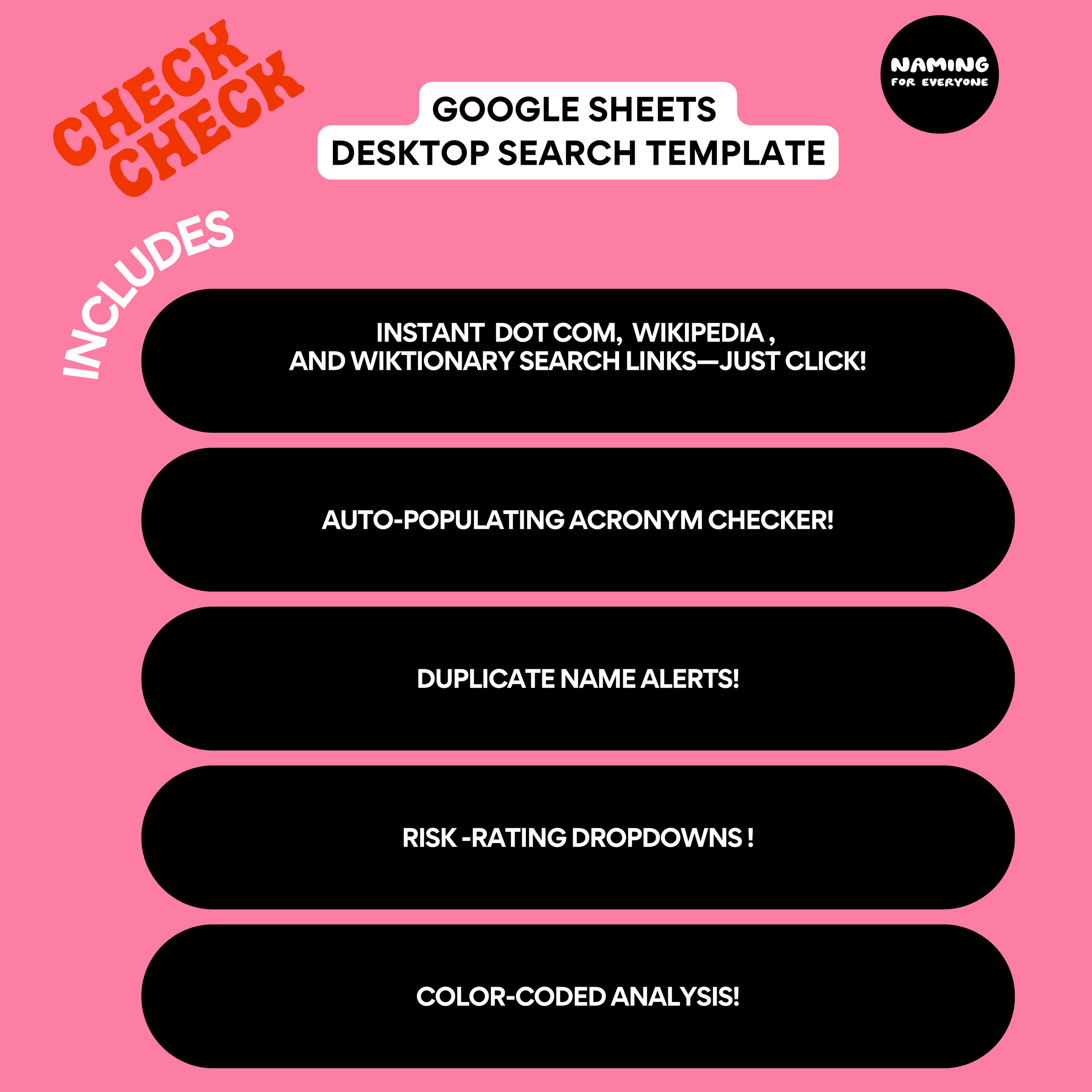
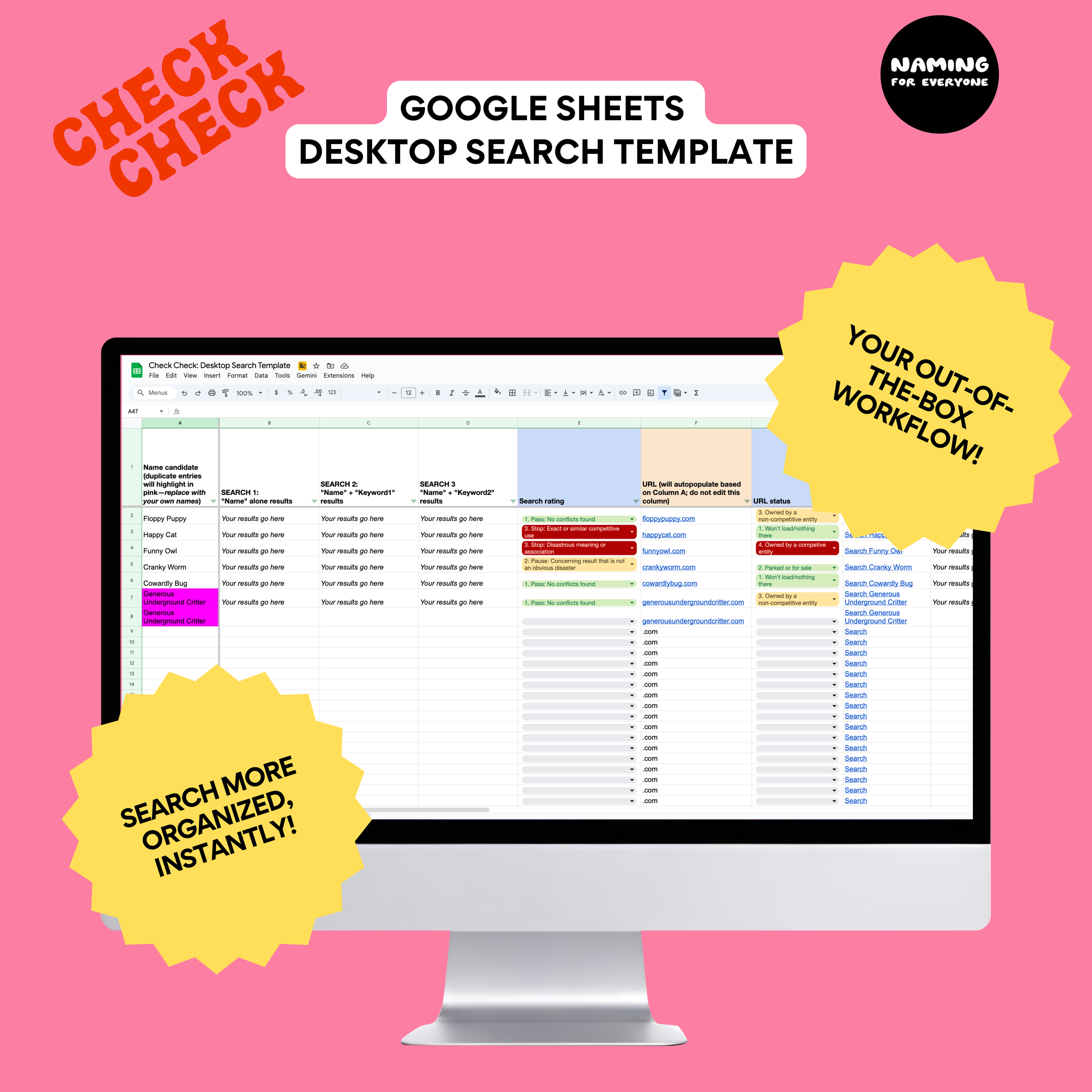
  • Instant search links: Stop wasting time copying and pasting. The template auto-populates direct links to .com URLs, Wikipedia, and Wiktionary the moment you type a name candidate, so you just click and record what you find.

  • Automatic acronym checks: Catch accidental disasters before they happen with built-in acronym formulas that instantly show you what your multi-word names look like shortened. Because your clients or their customers will shorten it. They always shorten it.

  • No more duplicate work: Column A automatically highlights names that show up more than once, so you never waste time searching the same name twice.

  • Built-in risk ratings: Integrated dropdown menus let you assign clear risk ratings, making it easy to decide which names to proceed with and which to cut.

  • “See” your risk: Color-coded, pre-programmed columns help you score the risk related to each stop on your search journey.

  • Project-ready documentation: Keeping a clean record for every project, including search dates, keywords, and notable results, lets you have better-informed conversations about names you’re considering.

  • Human-first analysis: While the template automates the busy work, it’s designed to help you interpret data with your own human brain.

PLEASE NOTE: This was developed as an add-on to Check Check: A Practical Guide to Catching Naming Disasters Before Your Clients Do. You are welcome to purchase it as a standalone tool, but know it will likely serve you best if you’ve read the guide.

A messy spreadsheet leads to missed risks. Built to help your searches match the workflow detailed in Check Check: A Practical Guide to Catching Naming Disasters Before Your Clients Do, all this Google Slides spreadsheet needs is your best naming ideas.

  • Standardize your workflow: Mirror the process from the Check Check guide, and search each name the same way, every time.

  • Instant search links: Stop wasting time copying and pasting. The template auto-populates direct links to .com URLs, Wikipedia, and Wiktionary the moment you type a name candidate, so you just click and record what you find.

  • Automatic acronym checks: Catch accidental disasters before they happen with built-in acronym formulas that instantly show you what your multi-word names look like shortened. Because your clients or their customers will shorten it. They always shorten it.

  • No more duplicate work: Column A automatically highlights names that show up more than once, so you never waste time searching the same name twice.

  • Built-in risk ratings: Integrated dropdown menus let you assign clear risk ratings, making it easy to decide which names to proceed with and which to cut.

  • “See” your risk: Color-coded, pre-programmed columns help you score the risk related to each stop on your search journey.

  • Project-ready documentation: Keeping a clean record for every project, including search dates, keywords, and notable results, lets you have better-informed conversations about names you’re considering.

  • Human-first analysis: While the template automates the busy work, it’s designed to help you interpret data with your own human brain.

PLEASE NOTE: This was developed as an add-on to Check Check: A Practical Guide to Catching Naming Disasters Before Your Clients Do. You are welcome to purchase it as a standalone tool, but know it will likely serve you best if you’ve read the guide.

Good to know:

No Refunds: Due to the digital nature of this product, all sales are final.

Informational Use Only: This guide is provided for general informational purposes only. It is not intended to be a substitute for professional legal, financial, or business advice.

No Guarantees of Results While this process is designed to catch “naming disasters,” the author and publisher cannot and do not guarantee that any name discovered or analyzed using these methods is totally “safe” for use. Reliance you place on this information is strictly at your own risk.

Not a Trademark Search: This book teaches a desktop search process, which is not a substitute for a professional trademark search conducted by a lawyer.

Instagram

©2023-2024 Caitlin Barrett LLC

FAQ | Terms + Conditions | Privacy